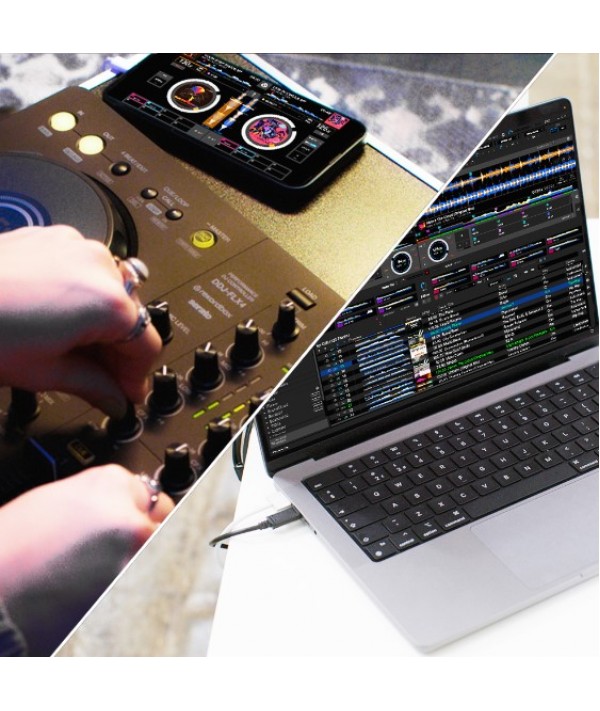
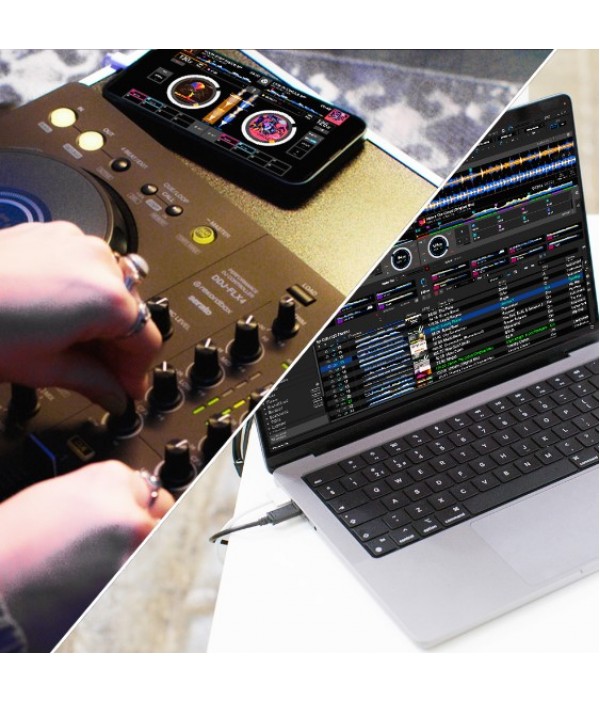
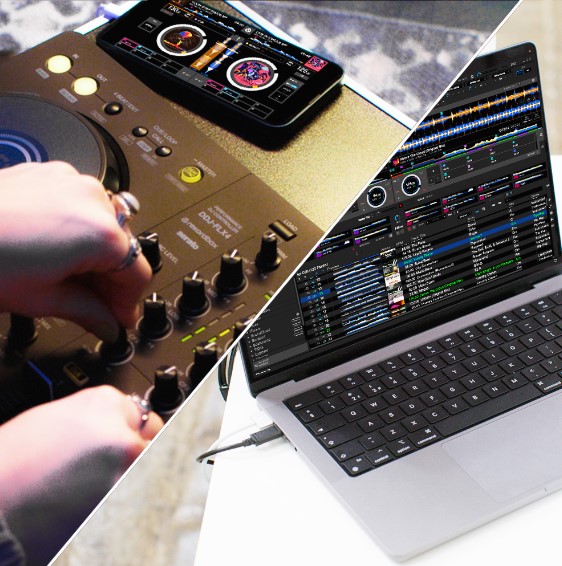
You can use the DJ software rekordbox, Serato DJ Lite and djay for free by connecting your PC/Mac to the DDJ-FLX4 to complete your DJ setup. And if you want to upgrade to Serato DJ Pro, you can buy a license or subscription for the premium version of the software.
Multi-device support
Whether you want to connect to a PC, Mac, iPhone, iPad, or an Android phone or tablet, the DDJ-FLX4 is versatile in its design. Even better, if you use the controller with rekordbox for iOS/Android or djay for iOS/Android, you'll be able to connect to your device via Bluetooth® or USB cable. So, there’s nothing to hold you back from giving DJing a try.
*rekordbox for Android (ver. 4.0) was also due for release in spring 2023. However, this has been postponed until further notice to ensure the Android app runs as smoothly as the iOS version. As soon as a new release date has been scheduled, an announcement will be made on the homepage of the Pioneer DJ website.
Discover more
Multi-device support
Connecting a PC/Mac
Connect your DDJ-FLX4 to your PC/Mac with a USB Type-C cable. Your PC will supply both power and sound to the DDJ-FLX4.
Connecting a smartphone with a USB cable
Connect a USB power adapter or a 9V mobile battery to your DDJ-FLX4 for power (caution: most mobile batteries are 3V). Connect your smartphone to the DDJ-FLX4 with a USB Type-C cable to supply sound.
Connecting a smartphone via Bluetooth
Connect a USB power adapter or a 9V mobile battery to your DDJ-FLX4 for power (caution: most mobile batteries are 3V).
Connect your smartphone to the DDJ-FLX4 via Bluetooth to supply sound.
User- friendly portable design and professional layout
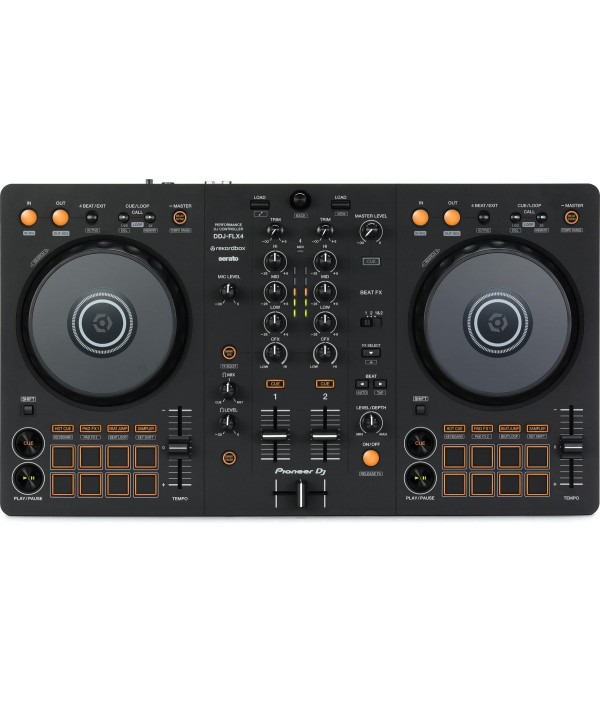
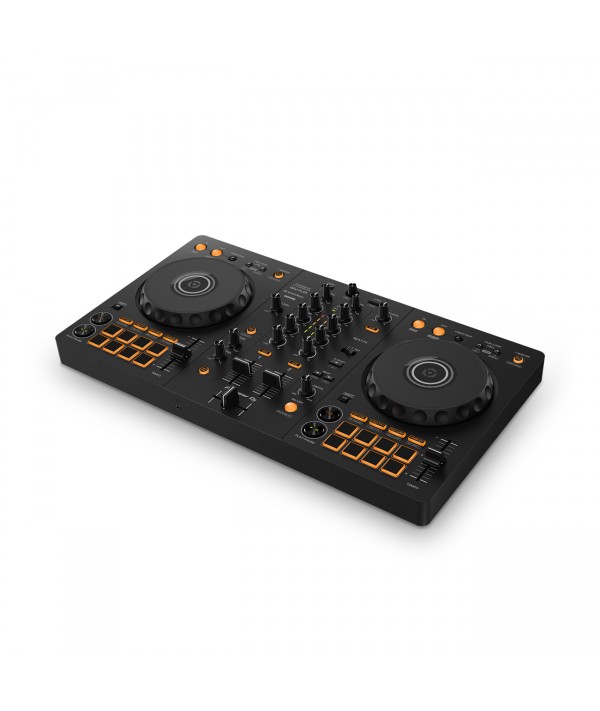
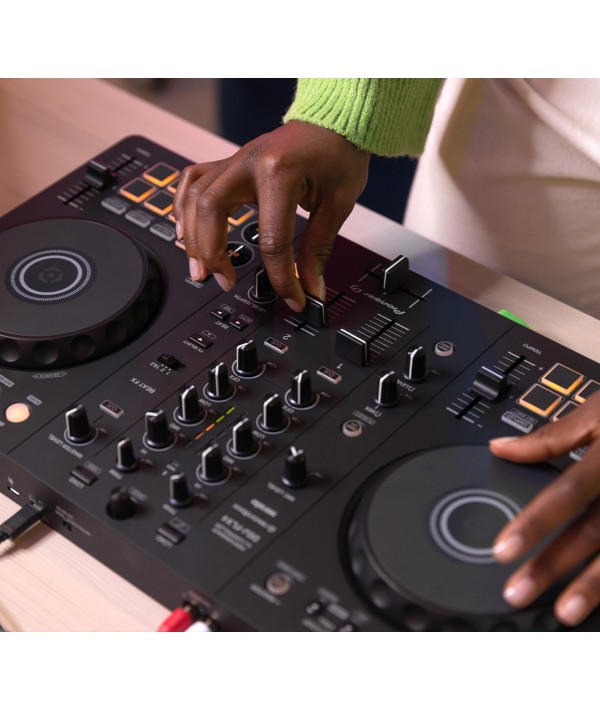
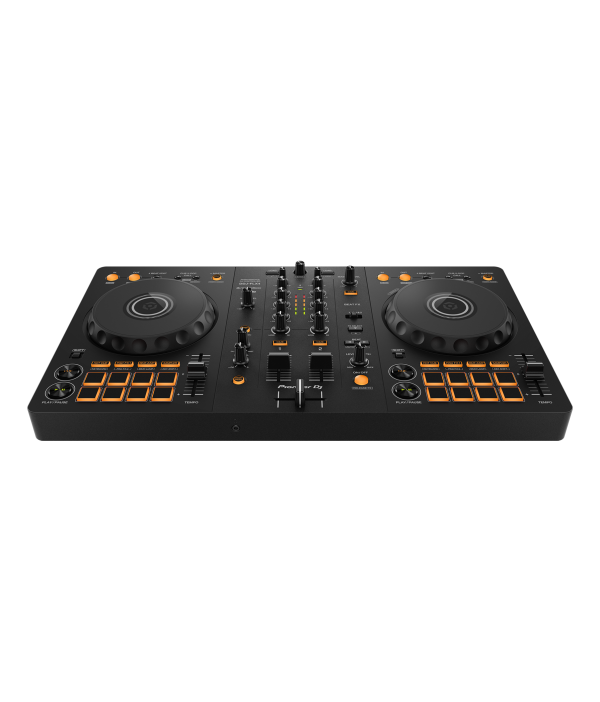
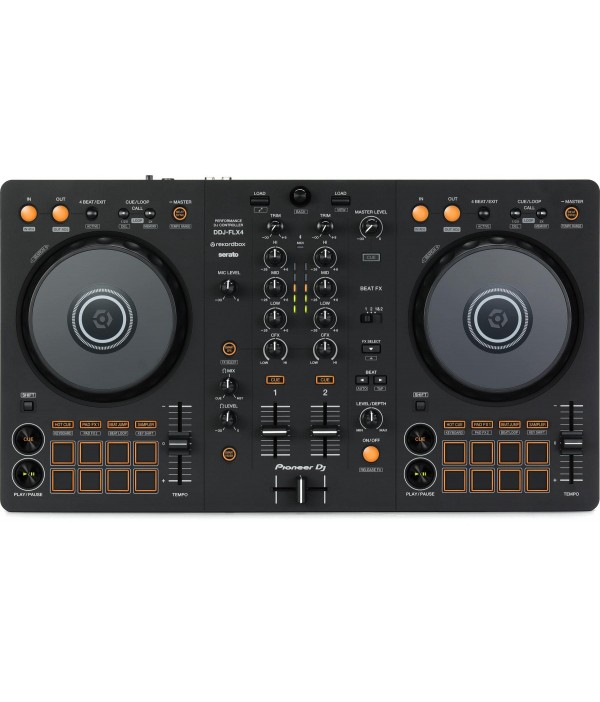
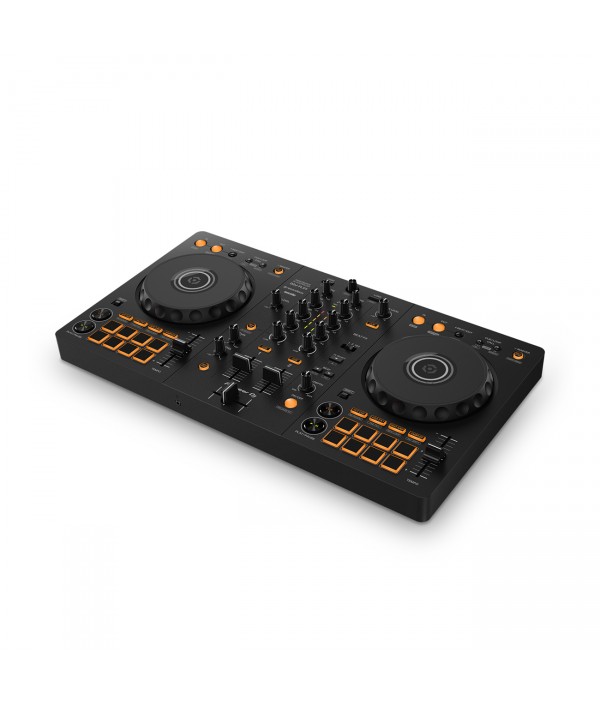
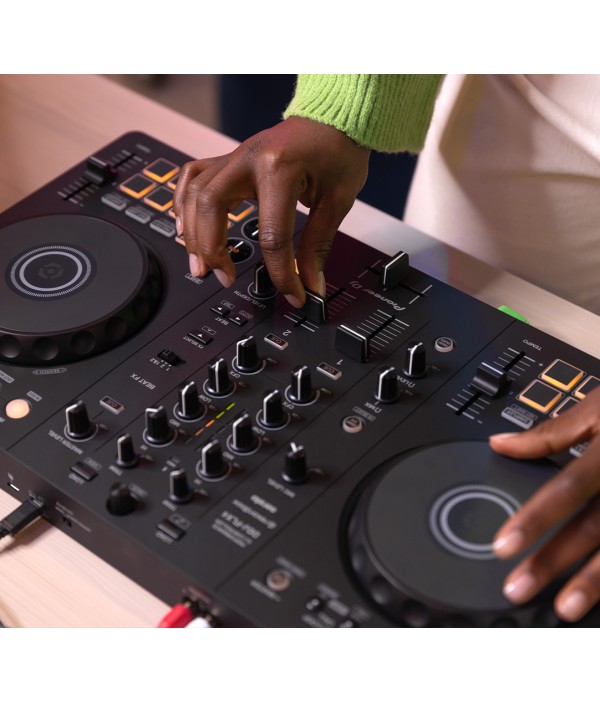
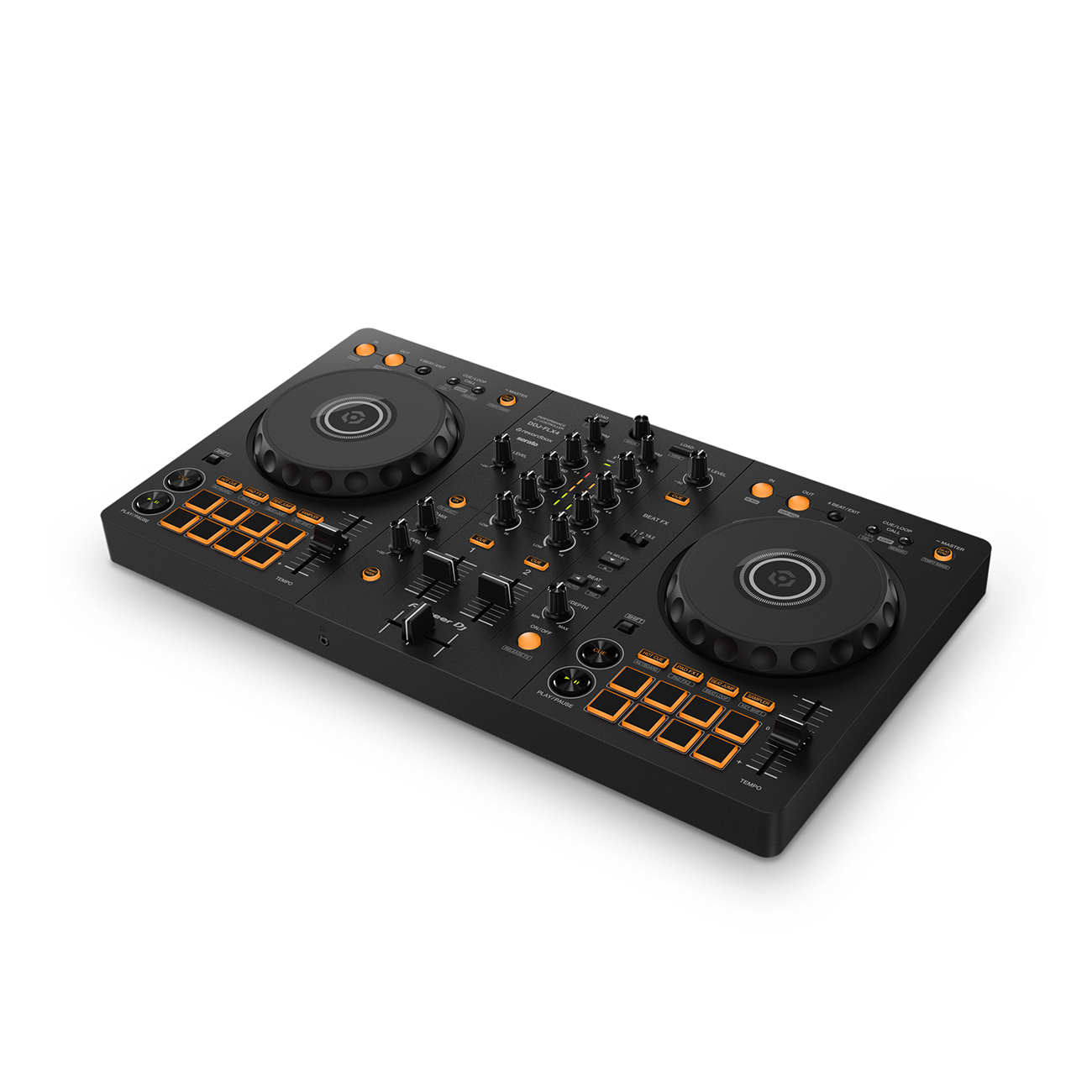
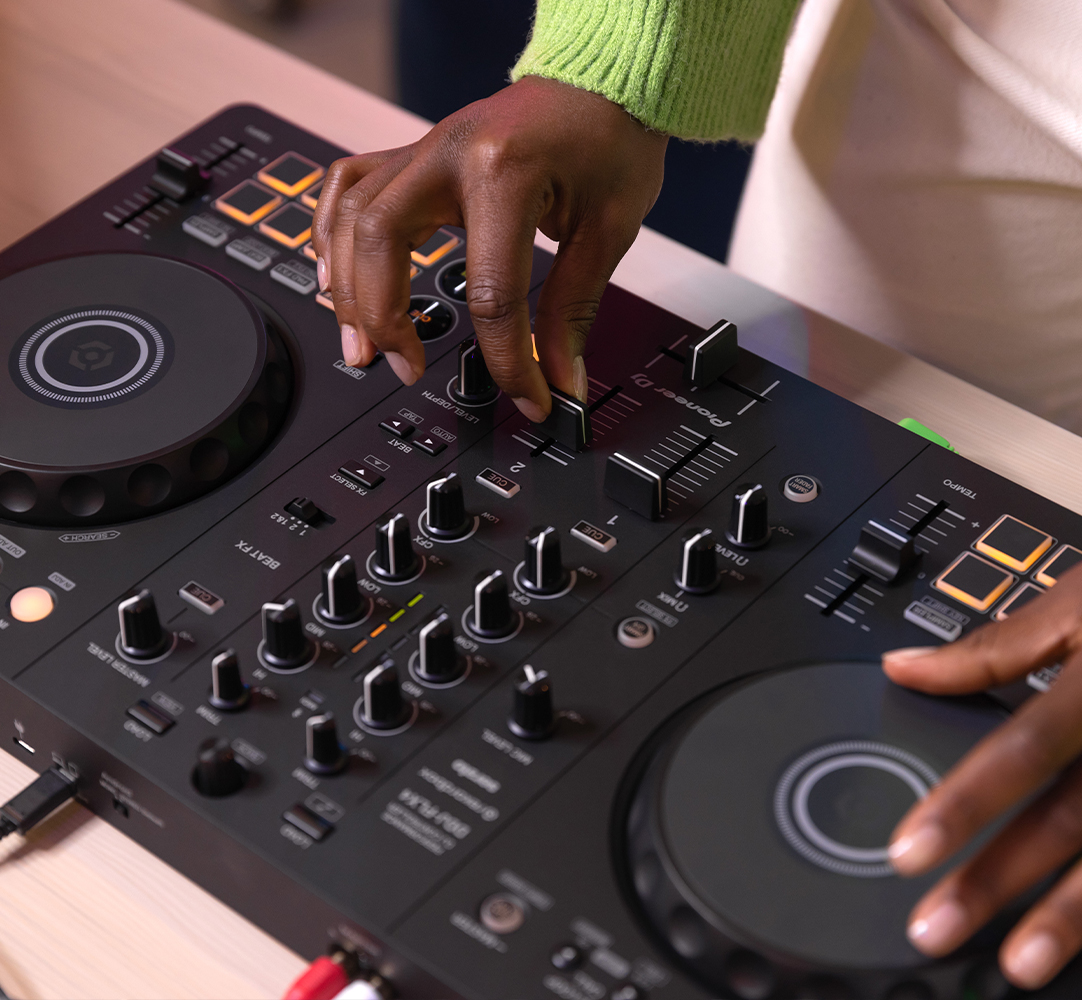
The layout of the controls on the DDJ-FLX4 makes it easy to learn to DJ and is inherited from professional Pioneer DJ products. Everything is simple to use and neatly arranged, which also makes the controller compact enough to take anywhere you want to practice or perform.
Brand-new Smart Mixing features
Don’t know how to mix? Don’t worry, you can get started right away with the Smart Fader feature, which automatically adjusts the volume, bass volume, and BPM of the music so you can smoothly transition from one track to the next by simply moving the channel faders or crossfader. Plus, with Smart CFX, you can simply turn a knob to apply a combination of effects that will add drama to the sound.
Seamless integration with selected streaming services
rekordbox is compatible with a choice of streaming services. So, you can choose from millions of tracks available on the TIDAL, Beatport Streaming, Beatsource Streaming, and SoundCloud Go+ platforms (subscriptions required) and mix them together on the DDJ-FLX4. You can also use all the effects and performance features to spice up your favorite songs and create your own sound.
(Please check each streaming service website for available countries.)
USB audio output for microphone sound
The DDJ-FLX4 makes it simple if you’re keen to MC or sing over the top of your sets because it mixes the audio for you. So, you can connect the controller to a single device and hear the sound of your mix together with the sound from the microphone as long as you don’t have a Bluetooth® device connected. This also makes the DDJ-FLX4 an ideal choice if you’d like to live-stream your sets because you can do it all from one device.
OTHER FEATURES
USB bus powered
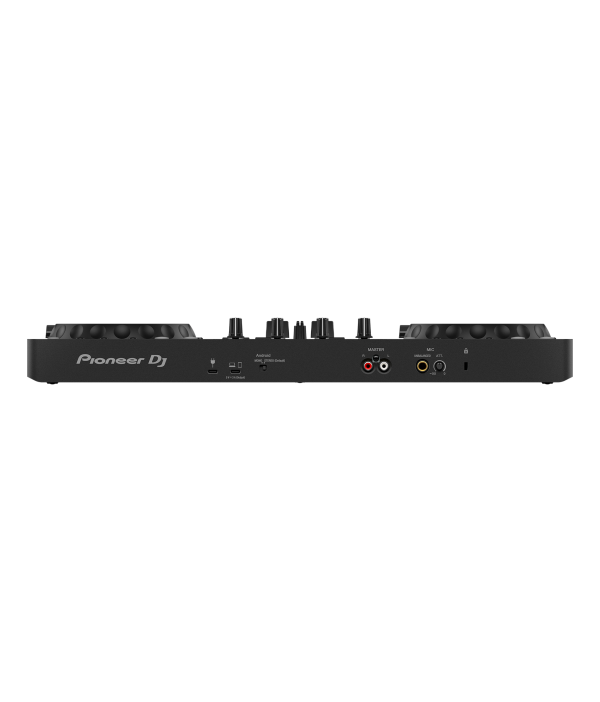
Simply connect the controller to your computer using the included USB cable.
Built-in sound card (audio interface)
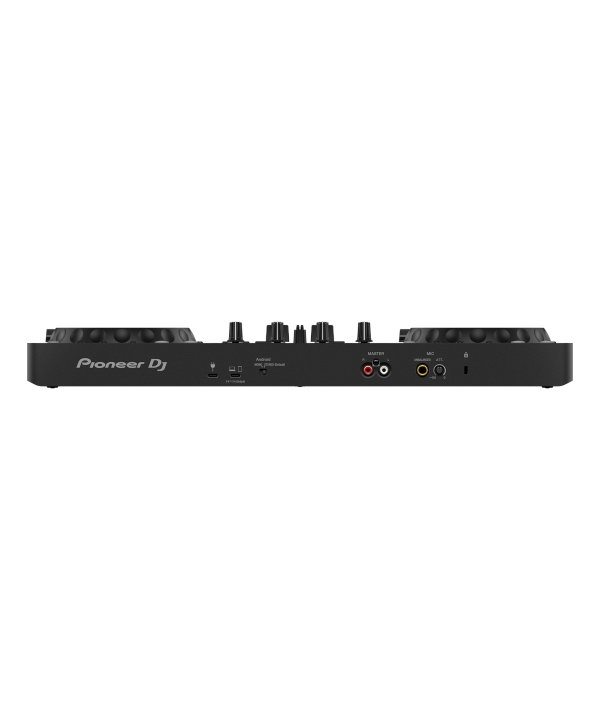
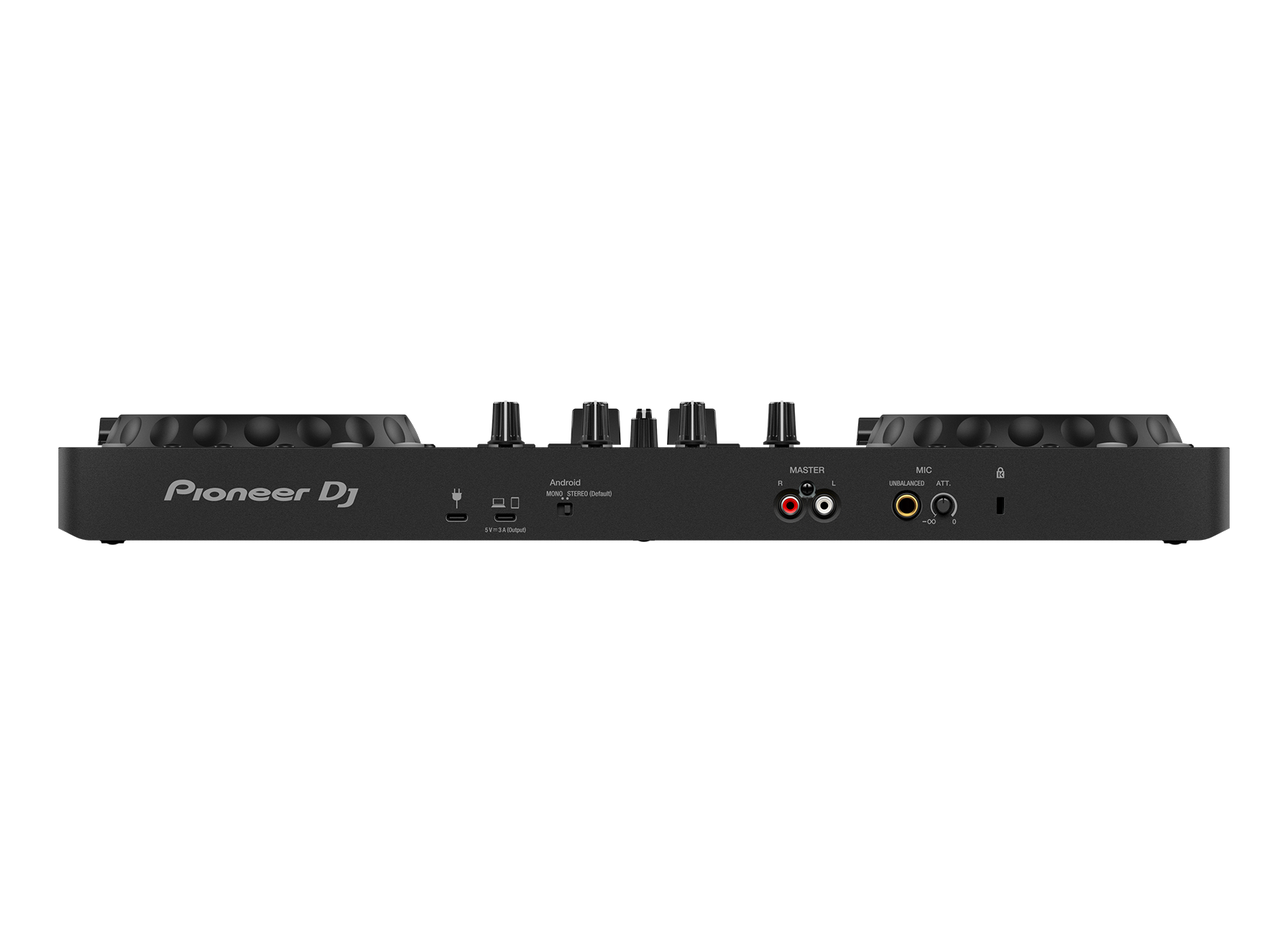
Thanks to a built-in sound card, the DDJ-FLX4 connects straight to your speakers or amplifier via a single RCA cable. Plus you can record to rekordbox using the same USB connection.
Performance Pads
Hit the 8 back-lit rubber Performance Pads to trigger Hot Cues, Pad FX, Beat Jump, and the sampler.
Class compliant
Plug your DDJ-FLX4 into your PC/Mac and start DJing – there’s no need to install an audio driver.
Firmware Update Manager
You’ll be automatically notified when firmware updates become available. You can download the Firmware Update Manager here.








 HK$598
 HK$398
 HK$798
 HK$1,980
 HK$298
 HK$298
 HK$480
 HK$1,180
 HK$2,280
 HK$6,900
 HK$3,180
 HK$5,800
 HK$5,800
 HK$8,800
 HK$598
 HK$798
 HK$1,480